
Zapya
Zapya is a free Android app from DewMobile for sharing files between nearby phones, tablets and computers without using mobile data.
25.2 MB

16.15.1 · ColorOS · Page updated
OPPO Clone Phone is the ColorOS app for copying contacts, messages, photos, apps and settings from an old phone to a new OPPO phone over a direct connection.
Average 0.0 · ratings: 0
Thank you! Your rating is saved; you can change it. Could not save the rating. Please try again later. Too many ratings from your network today. Please try again tomorrow. The average appears after 5 ratings.
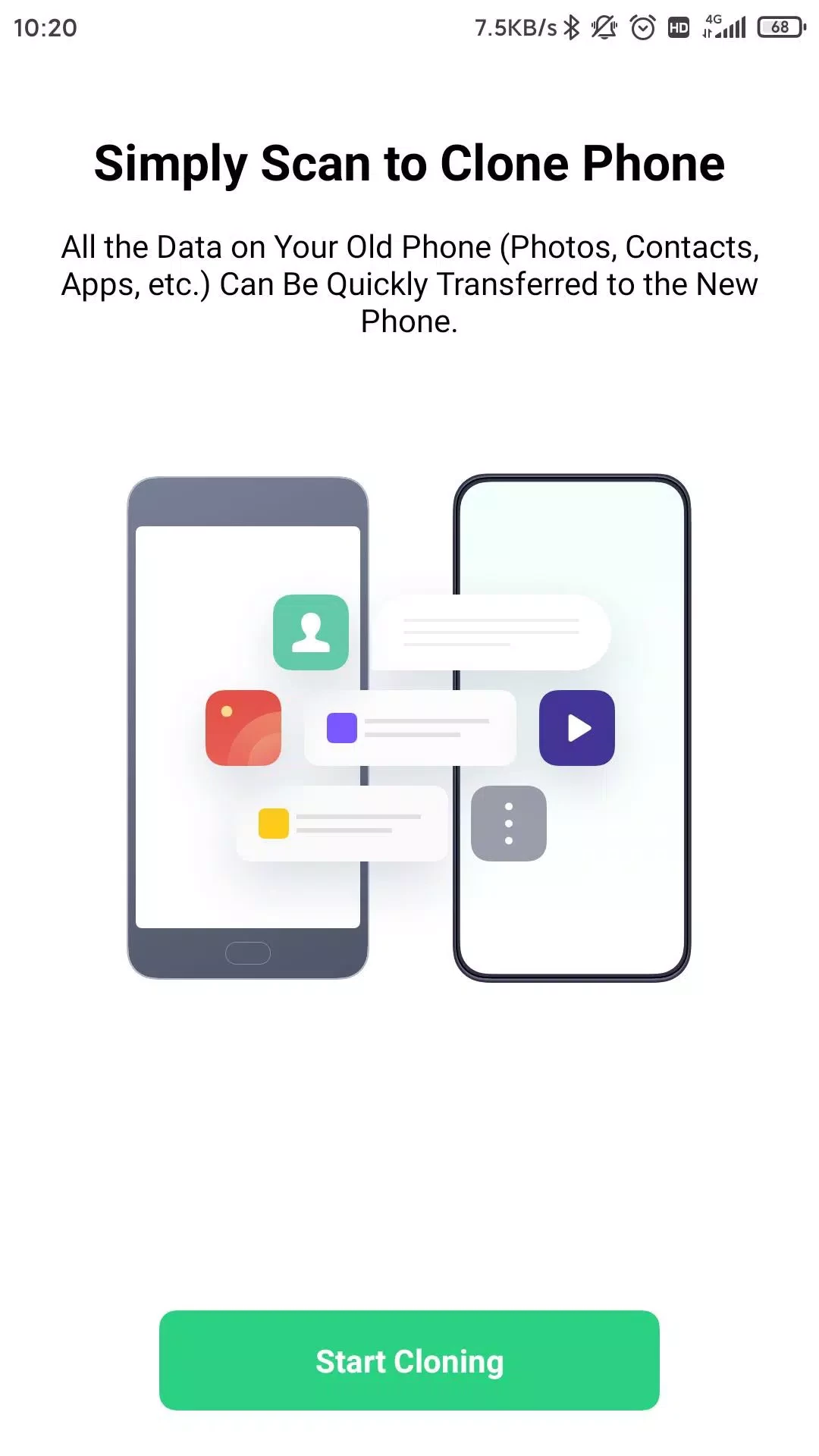
OPPO Clone Phone 16.15.1 is the data migration app of ColorOS, the Android-based system on OPPO phones. You download OPPO Clone Phone on your old device when you buy a new OPPO smartphone and want to move contacts, chats, photos and apps without cables, cloud uploads or mobile data.
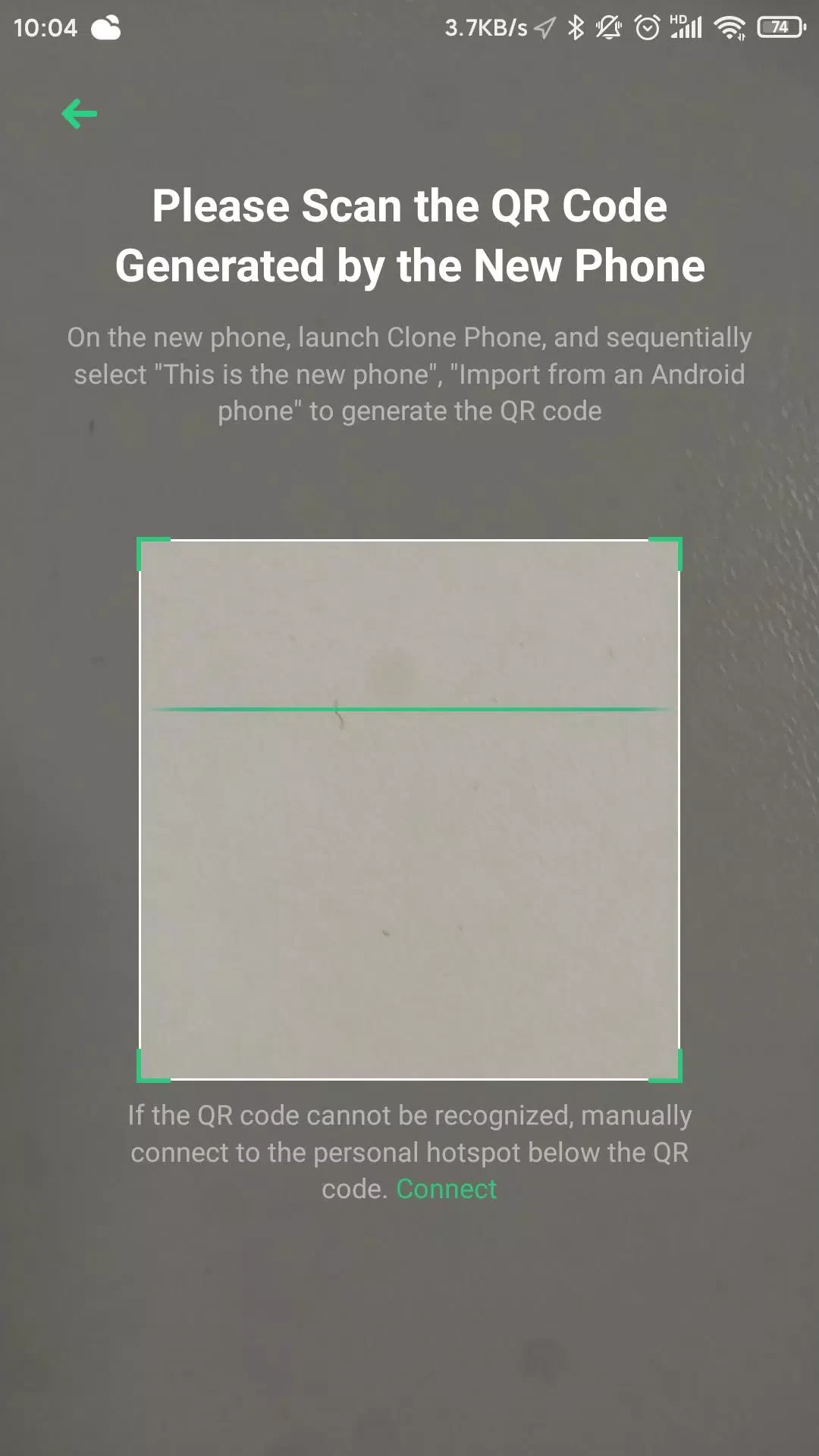
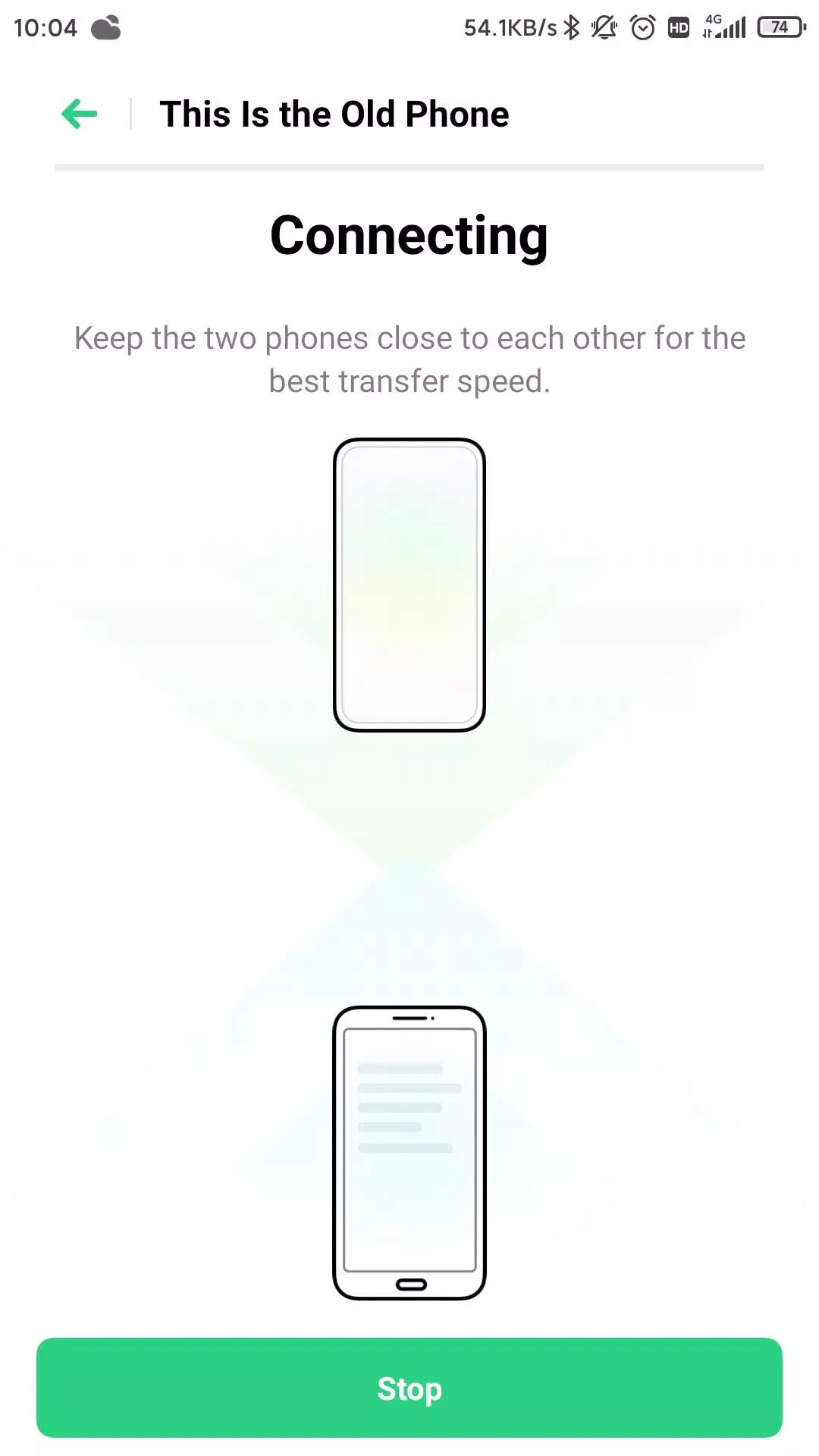
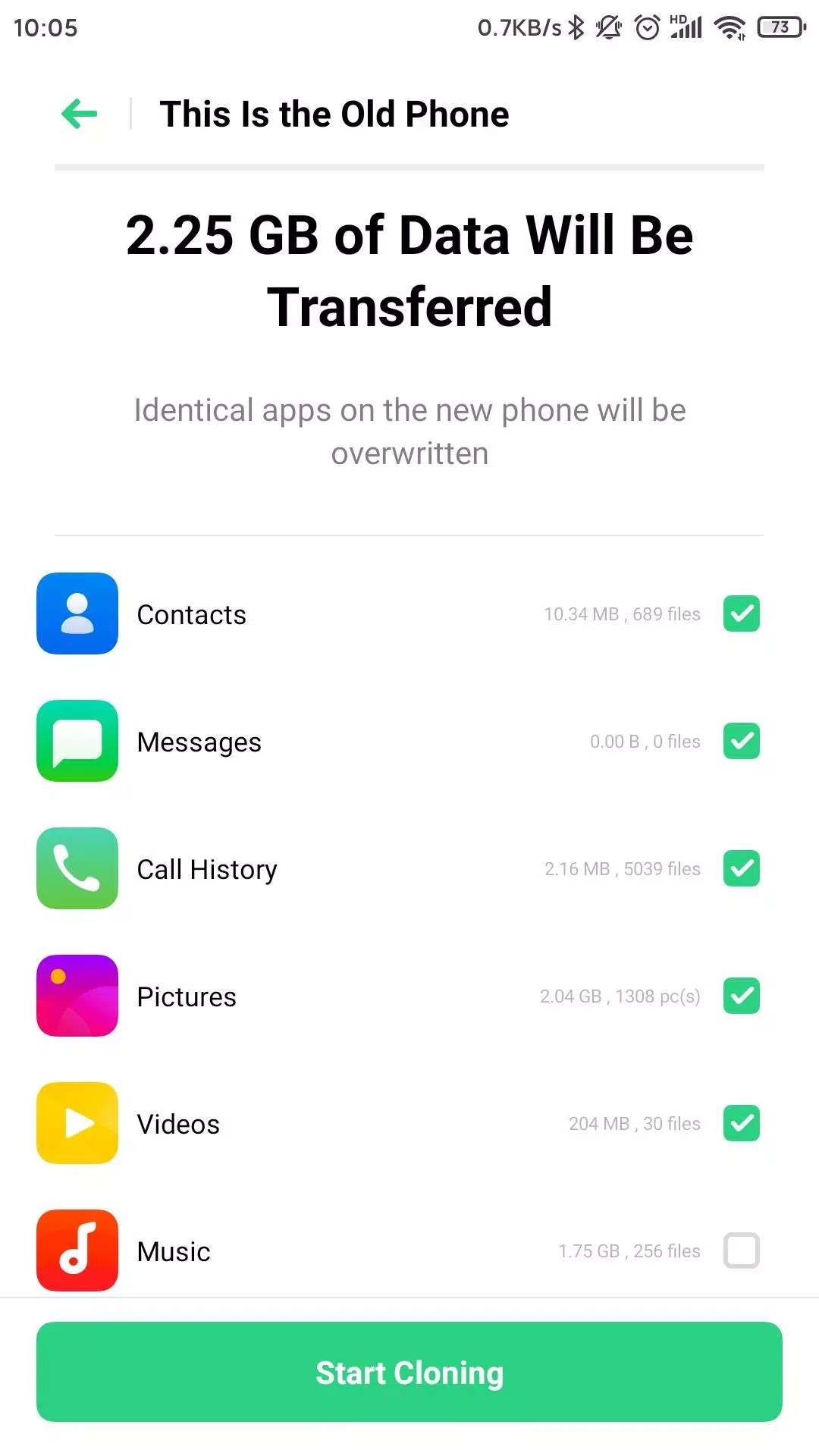
Setting up a new phone by hand takes hours: logging in again, finding photos in the cloud, reinstalling every app. Clone Phone shortens this to one transfer session. The new OPPO phone creates a local wireless connection and shows a QR code; the old phone scans it with Clone Phone and connects directly. You then tick what to move: contacts, text messages, call logs, calendar, photos, videos, music, documents, installed apps and, depending on the source phone, some app data and system settings. The transfer runs at local Wi-Fi speed, so even many gigabytes of photos move without touching your data plan. Because no server is involved, your files do not leave the two devices. On OPPO phones the app is built into the system, while on the old phone, whether it is an OPPO, OnePlus, realme or another Android brand, you install it from Google Play.
The receiving phone should be an OPPO device with Clone Phone in the system. The old phone must run Android and have enough free space to prepare the data. For iPhone sources, Clone Phone offers a separate method in the new phone's setup.
The connection is local and direct. Install the app only from Google Play or use the built-in version, and after the move, reset the old phone before selling it.
Clone Phone is free, with no ads.
For moving files between any devices, our site has SHAREit, Zapya and EasyShare. Samsung owners can use Samsung Smart Switch for the same task.
Zapya is a free Android app from DewMobile for sharing files between nearby phones, tablets and computers without using mobile data.
ES File Explorer is a file manager for Android from ES APP Group for browsing, copying, moving and organising files on a phone or tablet.

EasyShare is vivo's free Android app for transferring files and data between phones, often used when moving to a new vivo device.

Send Files To TV is a free Android app by Yablio for sending files between phones, tablets and Android TV devices over a local Wi-Fi network.

SHAREit is an Android app for sending photos, videos, apps and documents between nearby devices without using mobile data.